Usage
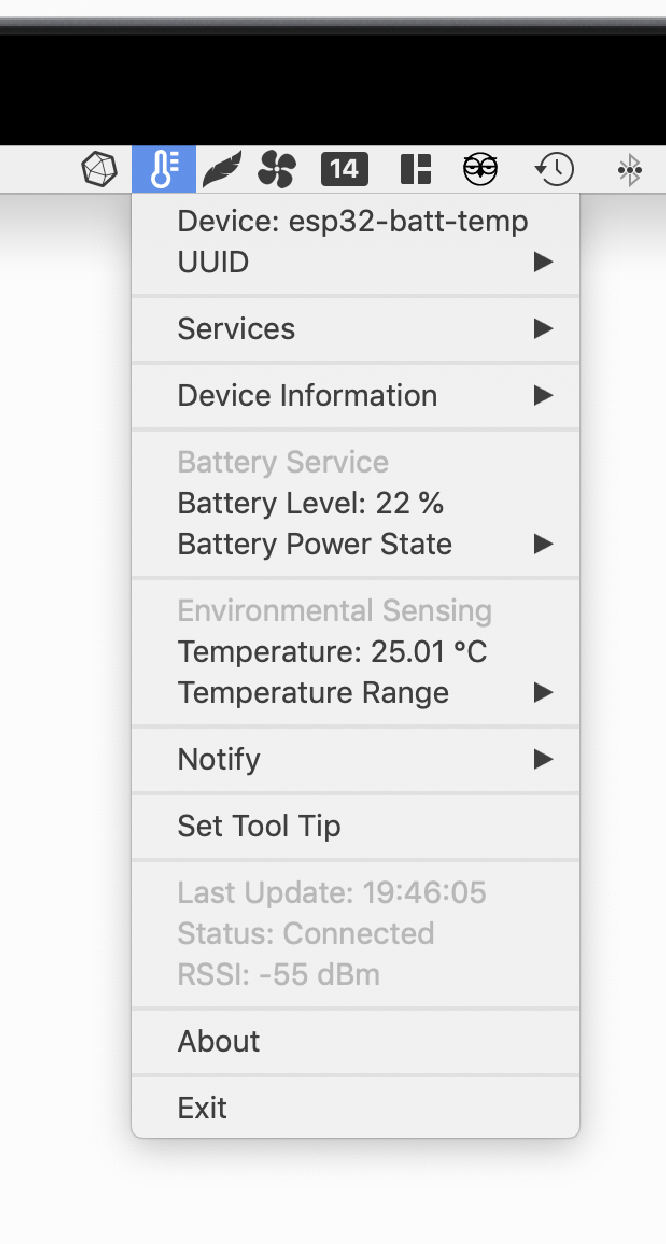
Once the device is connected, an icon will appear in the system tray/menu bar according to device Appearance characteristic (if present). If this characteristic is not present, a generic rhomb (♢) will appear instead.
Characteristics Metadata View
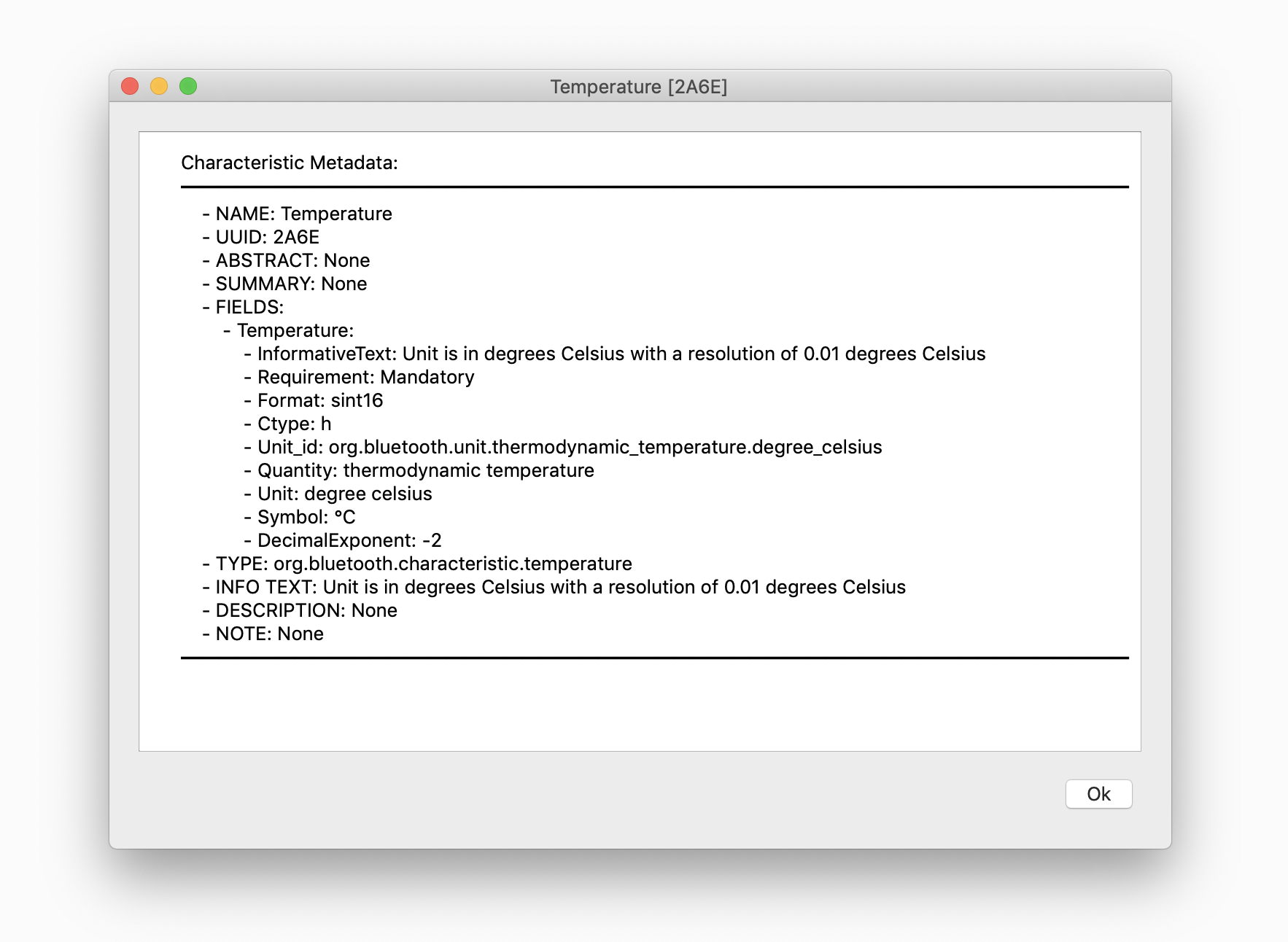
Under Services menu are the available services, and under each of them its characteristics. Clicking in a characteristic will show the Characteristic’s metadata dialog.
Reading Characteristics
Readable Characteristics are read periodically (every second by default). Those characteristics with a single field, its value will appear in the main menu, otherwise they will be in a submenu.
Writing Characteristics
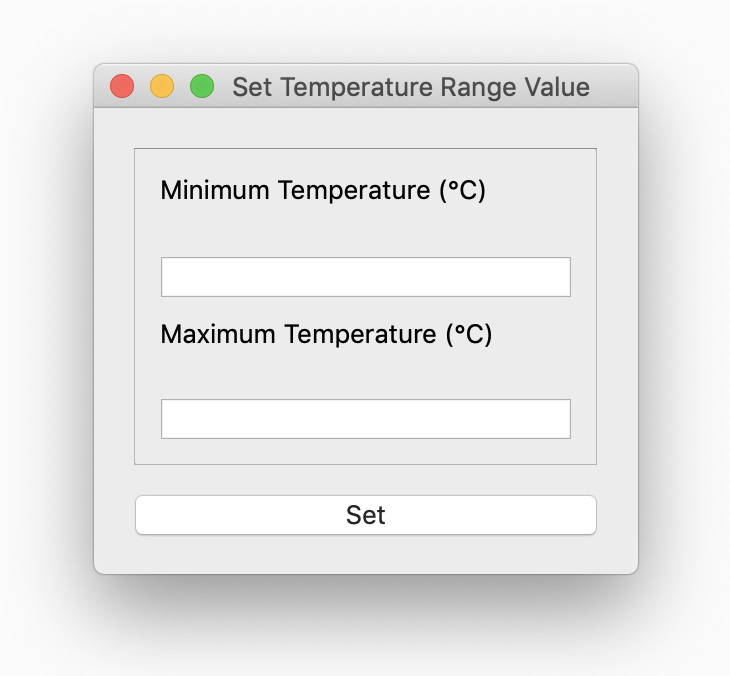
Writeable Characteristics appear in the main menu as Set [Characteristic] or if it is readable too and it has multiple fields in its submenu, as Set Value. If the writeable characteristic has a single field with enumerations, will appear as a submenu to select, otherwise a Set Value dialog with characteristics fields will appear.
Notify Characteristics
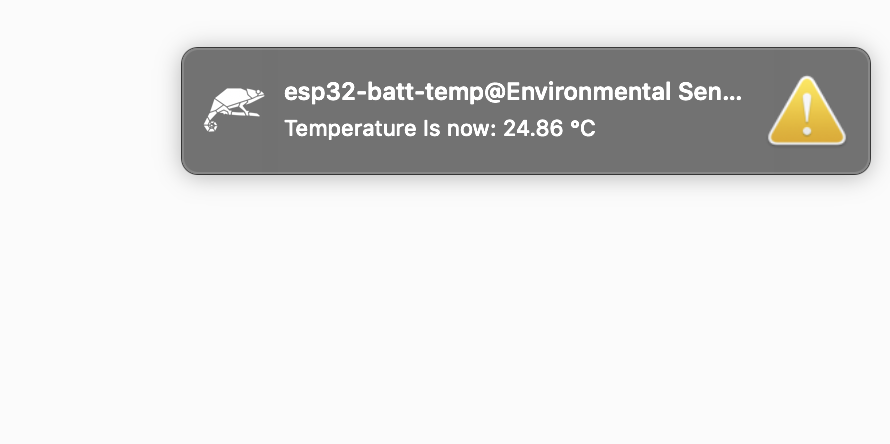
Notifiable Characteristics will appear in Notify submenu where notify sound can be toggled (for all desktop notifications) as well as enabling/disabling notification in each characteristic (with a option for desktop notification too)
Set Tooltip
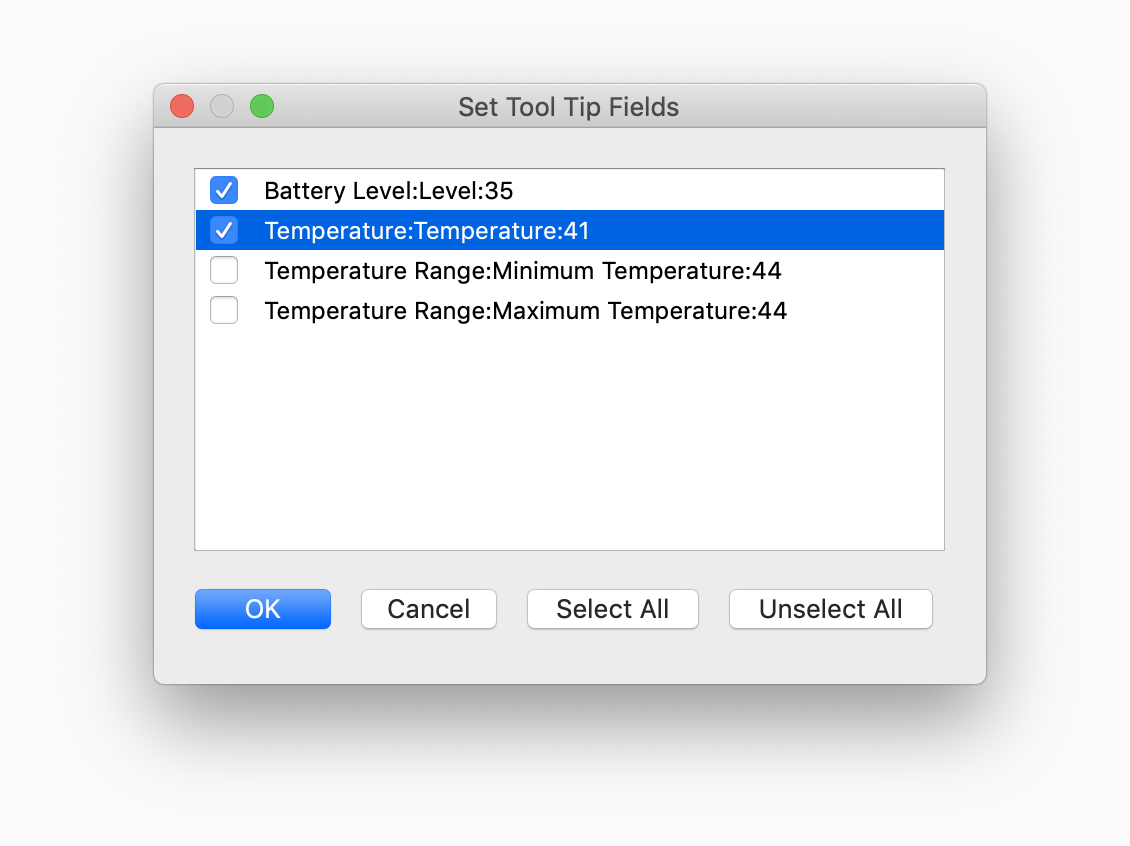
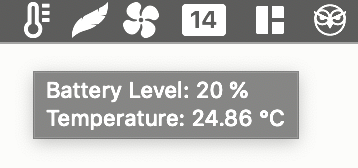
The icon tooltip can be customised, to include whatever combination of characteristics (readable or notifiable). To select them, a dialog box with checkable items will appear.
Connection Status
Connection status is checked every second, and Last Update corresponds to last time the connection was checked. If the device is disconnected, a desktop notification will appear. Bleico will try to reconnect immediately, and if it fails, bleico will try to reconnect every 30 seconds until it can connect again. If the connection is successful a desktop notification will appear, and bleico will return to normal operation.